Codes
No working public Clean The Backrooms promo codes confirmed as of Nov 2026. Redeem tips, fake-code warnings, and smarter early goals.
View all CodesCodes, upgrades, keys, and lights-out guides for Clean The Backrooms on Roblox.
Unofficial Clean The Backrooms Roblox wiki covering cleaning loops, upgrades, keys, rooms, and lights-out anomaly survival tips today.
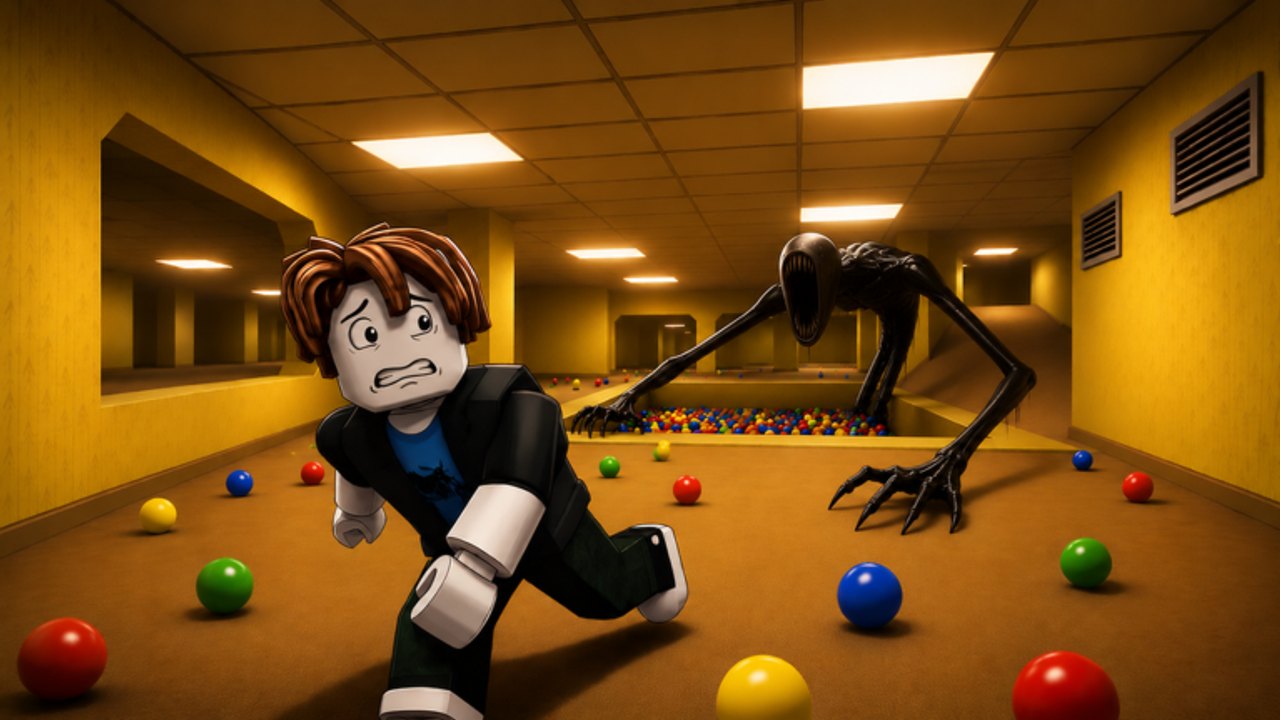
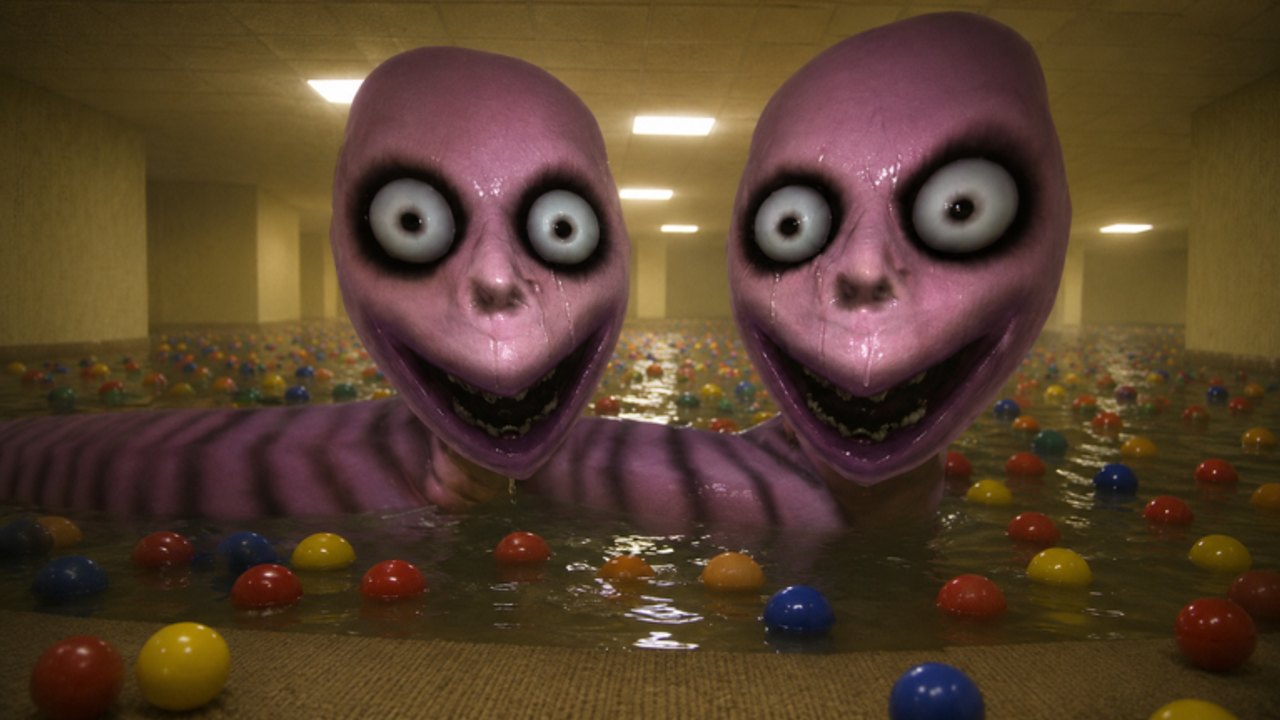
Clean The Backrooms! [Anomaly] is a free Roblox cleaning and horror-sim from Playroom Studio. Scoop balls into pits for cash, buy tools and upgrades, unlock deeper rooms with keys, and survive lights-out hunters with up to 24 players. Start with the beginner guide, check honest codes status, compare spends on the tier list, learn upgrades and keys & rooms, then practice lights-out survival. Track publishes on updates and keep official destinations on the links hub.
No working public Clean The Backrooms promo codes confirmed as of Nov 2026. Redeem tips, fake-code warnings, and smarter early goals.
View all CodesComplete Clean The Backrooms guides hub: first-hour tips, fast cleaning routes, keys and rooms, lights-out survival, upgrades, and controls.
View all GuidesClean The Backrooms upgrade and tool tier list for early and mid game: Ball Magnet, Vacuum Collect, keys, and lights-out survival buys.
View all Tier ListSolo and group tips for Clean The Backrooms: room splits, server etiquette, and lights-out callouts so friends clean safer together.
View all PlayersTrack Clean The Backrooms patches from Playroom Studio: where to look on Roblox, Nov 2026 status, and what to re-check after each publish.
View all UpdatesNo dedicated Clean The Backrooms scripts found as of Nov 2026. Safety notes, ban risk, and optional unverified universal hubs only.
View all ScriptsPlayer tools for Clean The Backrooms on Roblox: cleaning checklists, spend planners, and quick references before every queue today.
View all ToolsOfficial Clean The Backrooms Roblox link, Playroom Studio group, plus wiki hubs for codes, guides, tiers, scripts, and updates today.
View all LinksRead Getting Started to collect balls, dump them into pits for cash, and find the shop before you wander locked wings.
Follow Keys & rooms to bank for doors that open denser cleaning routes instead of random corridors.
Practice rally points and hunter callouts in Survive lights out, then coordinate with friends via the Players Hub.
Confirm empty-but-honest status on Codes, then audit shop and anomaly changes after publishes using Updates and Patch notes.
Quick answers to the most common questions.
A free Playroom Studio experience where you clean balls into pits for cash, buy tools and keys, unlock yellow backrooms, and survive lights-out anomalies with up to 24 players. Start with Getting Started.
As of November 2026 there are no confirmed public codes. Check Codes after events, and ignore chat pastes until they appear there.
Prioritize cleaning tools and upgrades that speed deposits, then save for useful keys. See Upgrades, Keys & rooms, and the Tier list.
Agree on a rally point, stop greed-cleaning, and watch for hunters. Full tactics live in Survive lights out with party tips on the Players Hub.
No. This is an unofficial fan wiki. Play via the official Roblox listing linked from the Links Hub and follow Playroom Studio on Roblox for studio posts.
This wiki supports: English, Français, Deutsch, Español, Português (BR). Configure locales in site.meta.json and run npm run generate:i18n.
Watch the Roblox Updated timestamp, then use the Updates Hub and Patch notes re-check lists for keys, shop prices, and anomaly behavior.
From first pit deposits to anomaly survival, our guides cover the full loop. Start with the beginner guide or jump into codes, the tier list, and updates.
Start with the beginner guide