Clean The Backrooms Patch Notes & Re-Check Guide
Chronology from launch through late November 2026, plus a practical audit every player should run after Playroom Studio publishes.
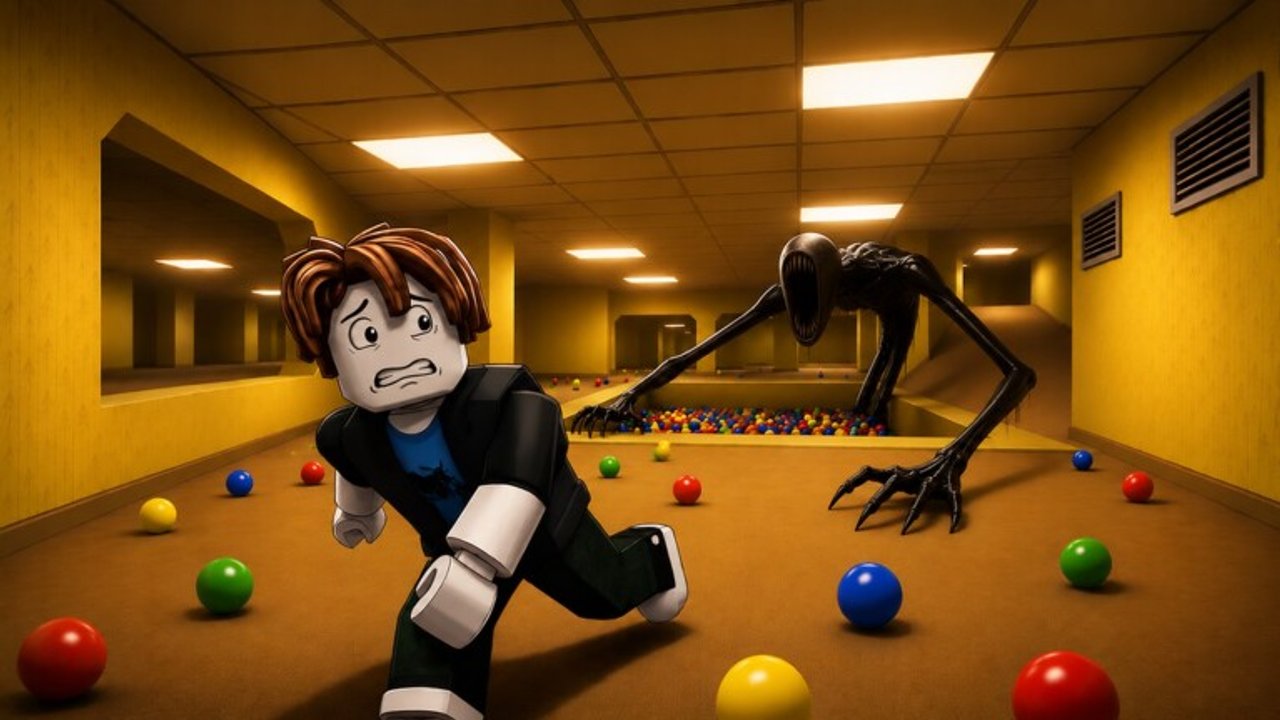
Clean The Backrooms! [Anomaly] ships on Roblox as a living experience. Playroom Studio can publish client changes without a long written changelog, so this page is not a fabricated list of official patch bullets. Instead it gives a public chronology from create day 29 September 2026 through late November 2026 (Roblox Updated timestamp observed around 25 November 2026), then teaches what players should re-check so keys, upgrades, and lights-out hunts do not surprise them.
Pair this article with the Updates Hub, mechanical guides like Upgrades, Keys & rooms, and Survive lights out, plus social habits on the Players Hub. Beginners who just returned after a publish should skim Getting Started again before grinding.
Why we frame notes as “observed changes”
Many Roblox experiences update silently: bug fixes, shop number tweaks, hunter pathing, lighting, or UI copy. Screenshot “patch notes” that appear only in random chats are often incomplete or wrong. This wiki therefore:
- Anchors dates to public Roblox timestamps and launch day.
- Describes systems that commonly drift (cash sinks, unlocks, anomaly pressure).
- Gives a re-check checklist you can finish in a few minutes inside a live server.
- Avoids inventing specific balance numbers we have not verified after each publish.
If Playroom Studio later posts clearer notes in the group or experience description, we will summarize those carefully and still ask you to confirm in-game.
Chronology players can trust
29 September 2026 — launch window
The experience goes live as a free Roblox title under Playroom Studio (place 130027983564740, universe 10768598226). The fantasy is already clear: clean balls into pits for cash, buy tools and upgrades, spend on keys to open more of the yellow backrooms, and survive anomaly lights-out pressure with other players (max 24 per server). Day-one priorities match Getting Started: learn a short clean loop, find the shop, and do not ignore darkness events.
October 2026 — growth and polish chatter
Through October the game accumulates visits and favorites while players talk about early-access style polish: clearer cleaning feel, shop progression, and anomaly tension. Treat community “they buffed X” claims as leads, not facts—verify tool strength and key prices yourself. Party etiquette on the Players Hub becomes more important as lobbies fill.
Early–mid November 2026 — systems players re-check most
By November, public discussion still centers on three live systems:
- Upgrade shop — tool tiers and cash sinks that define clean speed (Upgrades, Tier list).
- Keys and rooms — which doors open which wings and how expensive unlocks feel (Keys & rooms).
- Anomaly / lights-out hunters — when darkness hits and how aggressive pursuits feel (Survive lights out).
Any of these can change on a quiet publish. If your old route suddenly feels broke, assume a number moved before assuming you “got worse.”
Around 25 November 2026 — latest public Updated signal
Roblox showed the experience still updating near 25 November 2026. That timestamp is a signal to run the full re-check below, not proof of a named content drop. Concurrent peaks around a couple thousand players and visit totals near 1.6M+ mean more eyes on balance; studios often nudge economy or hunter feel when CCU rises. After this date—and after every future Updated bump—repeat the audit.
Post-update re-check checklist (do this every publish)
Spend five to ten minutes before a long session:
- Read the store page — note the new Updated time and any description or thumbnail change on the official game.
- Check Playroom Studio group — community
197986400may post shouts even when the experience blurb is quiet. - Lobby sanity — confirm you can move, see UI, and reach the cleaning areas without softlocks.
- Cleaning sample — deposit a small batch of balls; note if yield or pit interaction feels different versus your last session (Getting Started).
- Shop pass — open every upgrade entry you care about; write down prices or take a screenshot for your squad (Upgrades).
- Key pass — confirm listed key costs and which rooms they claim to unlock (Keys & rooms).
- Anomaly readiness — ask whether lights-out still occurs on a similar cadence; agree a rally point with friends (Survive lights out, Players).
- Codes myth check — open Codes. As of November 2026 there are no confirmed public codes; ignore chat pastes until verified.
- Scripts caution — Scripts remains a safety hub; do not install random executors because someone claimed an “update bypass.”
- Decide spend order — only after steps 5–7, commit cash to keys or upgrades using Tier list judgment.
What may change (and how it feels in-game)
Key costs. If doors feel suddenly cheap or brutally expensive, stop assuming your old savings target. Recount cash needs with your party before splitting rooms.
Upgrade shop. Tool strength and prices define how fast you clear wings. A silent nerf or buff changes whether you should rush keys or stack clean speed first.
Anomaly behavior. Darkness length, hunter count, spawn timing, or audio cues can shift without a blog post. Rehearse the rally once after every Updated bump.
Room layout or prompts. New barriers, moved pits, or altered interact prompts break muscle memory. Walk the unlocked map once before speed-running deposits.
QoL and bugs. Stuck animations, shop refresh issues, or lighting glitches often appear right after publishes. Rejoin once before grinding for an hour.
Squad protocol after patches
Friends should appoint one person to run the checklist and paste results in chat: key prices, must-buy upgrades, and lights-out rally. Everyone else keeps cleaning on safe starter routes until the call is done. That habit, described on the Players Hub, prevents three people from wasting cash on outdated priorities. Link the Updates Hub in your community so returning players know where to look.
What this page will not do
- Invent dated bullet lists claiming “+20% clean speed” without verification.
- Promise codes tied to every publish (Codes stays honest).
- Endorse risky scripts as “required after the update.”
- Replace official Playroom Studio communication—use the Links Hub for Roblox destinations.
Keeping your own notes
Maintain a simple personal log: Updated date, key prices you care about, top three upgrades, and whether lights-out felt harsher. After two or three publishes you will spot real trends faster than scrolling unverified TikToks. When your log disagrees with a wiki sentence, trust the live server, then tell us which timestamp you checked so pages can be revised.
Clean The Backrooms rewards players who treat updates as part of the loop: clean, earn, unlock, survive—and re-check whenever Roblox moves the Updated stamp. Use this Patch Notes & Re-Check Guide as your template, then jump back into Guides with numbers you just confirmed yourself.
Frequently Asked Questions
Quick answers to the most common questions.
Are these official Playroom Studio patch notes?
No. This page uses public Roblox timestamps and player-facing re-check guidance. It does not invent detailed studio changelogs.
What is the latest update date covered here?
Launch was 29 September 2026; public Updated activity continued through late November 2026 (around 25 Nov). Always confirm the live store page timestamp.
What should I test first after an update?
Shop upgrade prices, key costs, a short cleaning sample, and lights-out readiness. Follow the checklist above and the linked guides.
Can key costs or anomaly behavior change without a blog post?
Yes. Silent Roblox publishes often tweak economy and hunter feel. Re-verify using Keys & rooms and Survive lights out.
Do updates add redeem codes?
Not automatically. As of November 2026 no public codes are confirmed—see Codes before trusting chat claims.
Where do I find official links after reading this?
Use the Links Hub for the Roblox game page and Playroom Studio group, and the Updates Hub for tracking tips.